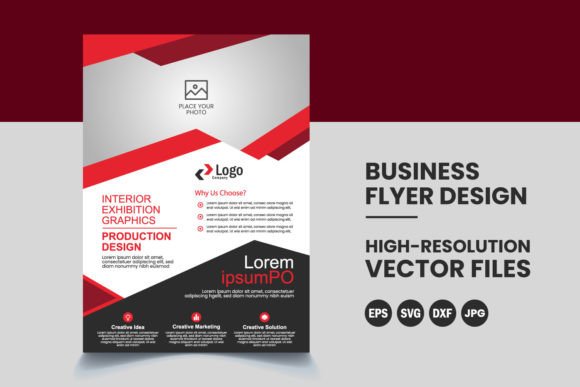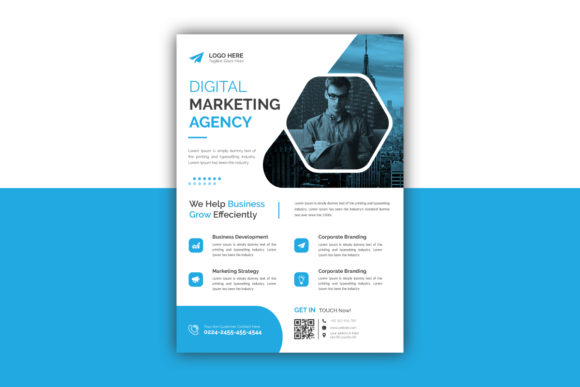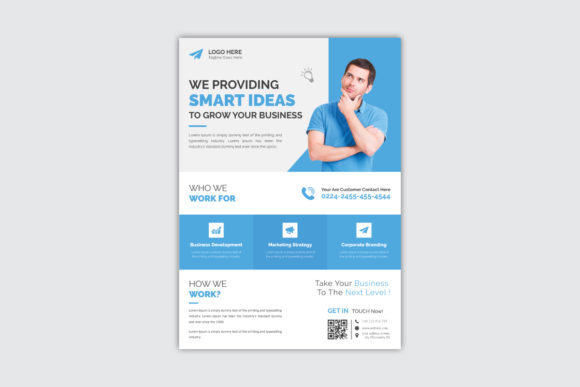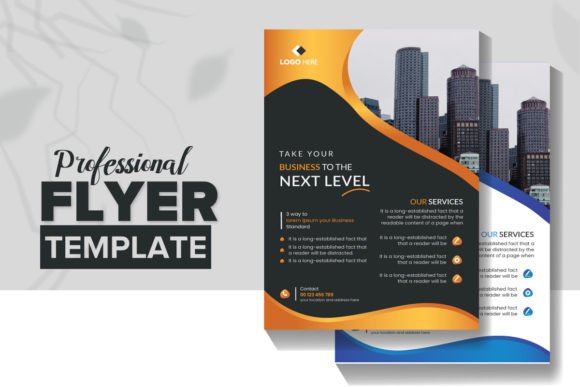
Professional Business Flyer Design: A Complete Corporate Template Set
In the world of small business marketing, speed and consistency are everything. You often need to get a message out quickly—whether it’s for a grand opening, a seasonal sale, or a networking event—but you don’t want it to look like you designed it in a rush. This is where having a high-quality, ready-to-edit template becomes a game-changer. A Professional Business Flyer Design isn't just a static image; it's a strategic asset that bridges the gap between amateur DIY efforts and expensive agency retainers.
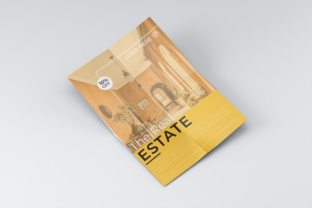
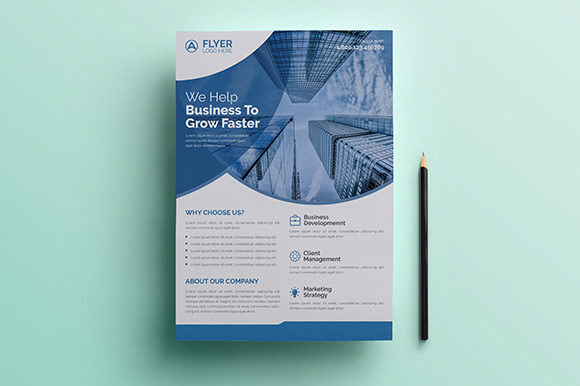
This specific template set is designed to function as a versatile toolkit for your corporate communications. It includes three distinct flyer layouts built upon a single, cohesive design language. This means you can maintain a consistent brand identity across multiple campaigns without starting from scratch each time. The visual personality of this design leans toward modern professionalism—clean lines, balanced white space, and a structure that guides the reader’s eye naturally from the headline to the call to action. It avoids the cluttered look of "discount" templates, offering instead a sophisticated aesthetic that builds trust with your audience.
Why Editable Vector Files Matter for Your Brand
One of the most critical features of a professional design asset is the file format. This set is delivered in EPS format, which stands for Encapsulated PostScript. If you aren't a designer, the technical details might not excite you, but the practical benefits certainly should. Unlike a JPEG or PNG, which are made of pixels and become blurry when resized, an EPS file is a vector file. This means the graphics and text are made of mathematical paths rather than colored squares. You can scale these flyers up to a billboard or down to a business card without losing a shred of quality.
However, the real power lies in the organized layers and full editability. We’ve all downloaded a template only to find that the text is "locked" or rasterized, making it impossible to change a simple phone number. This Professional Business Flyer Design is built specifically for Adobe Illustrator, ensuring that every element is accessible. The text is fully editable with the text tool, meaning you aren't just overlaying your words on top of the design; you are integrating them into the layout. You have the freedom to adjust kerning, leading, and font choices to match your specific brand guidelines.
Practical Applications Across Industries
The versatility of a corporate template set like this is one of its strongest selling points. Because the design is grounded in professional aesthetics, it fits seamlessly into a variety of industries. Here is how different audiences can leverage these assets:
- For Entrepreneurs and Startups: When you are launching a new venture, your budget is likely tight. You need marketing materials that look expensive but cost a fraction of the price. These flyers work perfectly for product launches, investor one-pagers, or local advertising.
- For Marketing Managers: Consistency is key to brand recognition. Using a unified set of three flyers allows you to run a multi-week campaign where the visuals evolve but the core brand identity remains recognizable. The A4 size is the international standard, making it easy to print anywhere in the world.
- For Event Planners and Bloggers: If you are hosting a workshop or a meet-up, you need a flyer that conveys authority. The 300 DPI and CMYK color settings ensure that what you see on screen matches the printed result perfectly, avoiding the disappointment of washed-out colors.
Typography and Visual Hierarchy
A flyer lives or dies by its visual hierarchy. This is the art of arranging elements so that the viewer knows what to read first, second, and third. A well-designed template takes the guesswork out of this process. The layout naturally prioritizes the most important information, ensuring that your key message is absorbed within seconds—crucial for busy readers.
While the template includes a recommendation for free fonts, the EPS format gives you total control over typography. If your brand uses a specific sans serif font for body text and a bold serif font for headlines, you can swap these in easily. Good typography isn't just about picking a "pretty" typeface; it's about readability. The spacing and sizing in this design have been pre-calculated to ensure that your content is legible even in less-than-ideal lighting conditions, such as a bulletin board in a coffee shop.
Technical Specifications for a Flawless Print
Nothing derails a marketing campaign faster than a printing error. This Professional Business Flyer Design is pre-press ready. The inclusion of 3mm bleeds is a vital technical detail. A "bleed" is the area outside the boundary of the finished size of the design. It ensures that if the paper shifts slightly during the cutting process at the print shop, you won't end up with an ugly white border on the edge of your flyer. This professional touch saves you time and money on reprints.
Choosing the Right Template for Your Project
When evaluating whether this template set is the right fit, consider the "personality" of your brand. This design favors a clean, corporate, and modern aesthetic. If you are a law firm, a consultancy, a tech startup, or a high-end service provider, this style reinforces the professionalism you want to project.
Before finalizing your design, here are a few practical steps:
- Evaluate the Image Placeholders: Look at the shapes provided for images. Do they align with the photography you have? High-quality images are essential; a great layout cannot save a blurry photo.
- Check the Flow: Read the template as if it were your own flyer. Does the eye move logically? Ensure your call to action (CTA) stands out clearly.
- Test Your Content: Sometimes, your text might be longer or shorter than the placeholder text. A good template allows for some flexibility in text blocks without breaking the design.
Ultimately, investing in a Professional Business Flyer Design